Get Cool Retro Term on macOS and Linux Now!
A good looking terminal emulator which mimics the old cathode display..
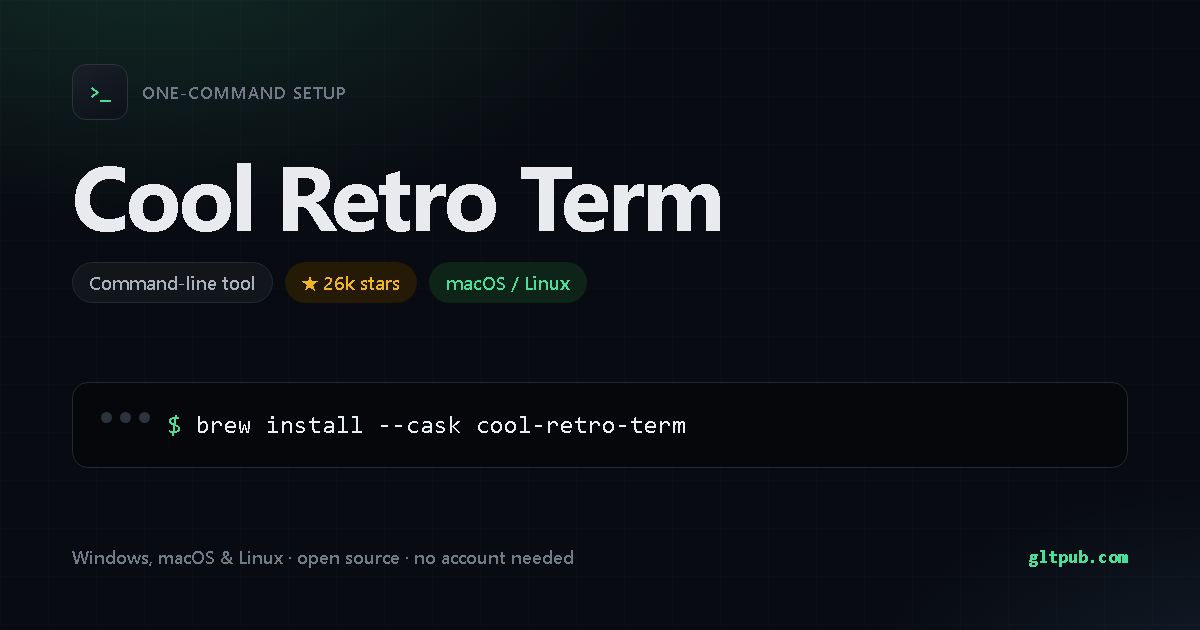
Get Cool Retro Term with one command
Pick your system, reveal the step-by-step guide, copy the command, paste it into your terminal and press Enter. This command comes from the project's public source.
Not available for Windows yet.
Cool Retro Term doesn't publish an install command for Windows anywhere we can verify, so there's nothing for us to show you. We won't invent one. It does document one for macOS and Linux — switch to that tab.
Pastes into PowerShell and installs Cool Retro Term on your Windows machine in one step. Runs as your normal user account, and needs no administrator rights.
Not available for macOS yet.
Cool Retro Term doesn't publish an install command for macOS or Linux anywhere we can verify, so there's nothing for us to show you. We won't invent one.
Installs Cool Retro Term on your macOS or Linux machine and links it into your PATH — after this,
Cool Retro Term just works from any directory. Runs as your normal user account, and needs no administrator rights.
How to set up Cool Retro Term, step by step
Open Terminal. On a Mac it's in Applications ▸ Utilities, or press Cmd+Space and type Terminal. On Linux, press Ctrl+Alt+T. Paste the command and press Enter.
Run Cool Retro Term --help to see the available commands, and
Cool Retro Term --version to confirm the install worked. If your shell complains about
permissions, that project usually documents a corrected command on its own site.
This asks Homebrew to fetch Cool Retro Term and link it into /opt/homebrew/bin (Apple Silicon) or /usr/local/bin (Intel), so you can run it by name.
Cool Retro Term at a glance
- Installs with a single
command —
Homebrew. - Installs on macOS / Linux.
- Free and open source, with no paid tier and no account needed.
- 26k stars — an actively used project.
Cool Retro Term doesn't publish a feature list we can quote, so this is what we verified ourselves.
About Cool Retro Term
A good looking terminal emulator which mimics the old cathode display..
| Category | Command-line tool |
|---|---|
| Install method | Homebrew |
| Windows | no install command published |
| macOS / Linux | documented install command available |
| Price | Free and open source |
| Command verified | From project source |
| Popularity | 26k stars on the project's public repository |
On mobile
Cool Retro Term is a command-line tool, so there is no phone app for it — a phone has no shell to run it in. You'll need a desktop, or a remote shell into a machine that has one.
Cool Retro Term is developed by its own authors. This page is an independent reference; we are not affiliated with or sponsored by the project. The command shown here was reproduced from the project's public documentation — always check the project's own documentation before running anything.