Get diffnav on macOS and Linux Now!
A git diff pager based on delta but with a file tree, à la GitHub
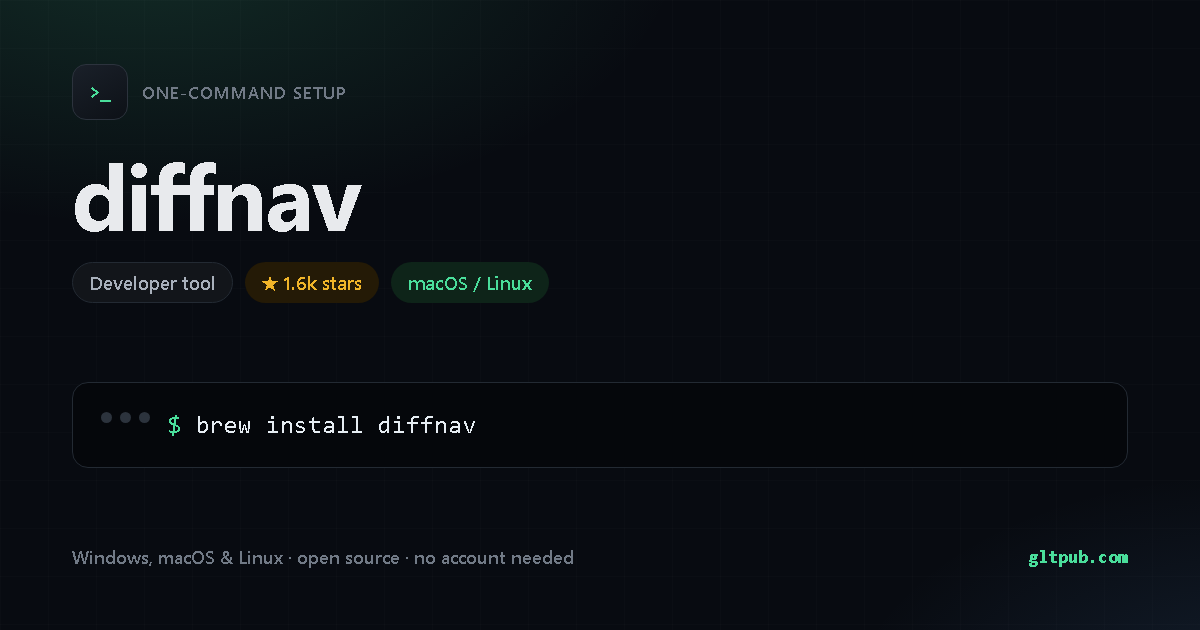
Get diffnav with one command
Pick your system, reveal the step-by-step guide, copy the command, paste it into your terminal and press Enter. This command comes from the project's public source.
diffnav at a glance
- Installs with a single
command —
Homebrew. - Installs on macOS / Linux.
- Free and open source, with no paid tier and no account needed.
- 1.6k stars — an actively used project.
diffnav doesn't publish a feature list we can quote, so this is what we verified ourselves.
About diffnav
A git diff pager based on delta but with a file tree, à la GitHub
| Category | Developer tool |
|---|---|
| Install method | Homebrew |
| Windows | no install command published |
| macOS / Linux | documented install command available |
| Price | Free and open source |
| Command verified | From project source |
| Popularity | 1.6k stars on the project's public repository |
On mobile
diffnav is a command-line tool, so there is no phone app for it — a phone has no shell to run it in. You'll need a desktop, or a remote shell into a machine that has one.
diffnav is developed by its own authors. This page is an independent reference; we are not affiliated with or sponsored by the project. The command shown here was reproduced from the project's public documentation — always check the project's own documentation before running anything.