Get deepx-code on Windows Now!
Open-source developer tool with a documented one-command setup.
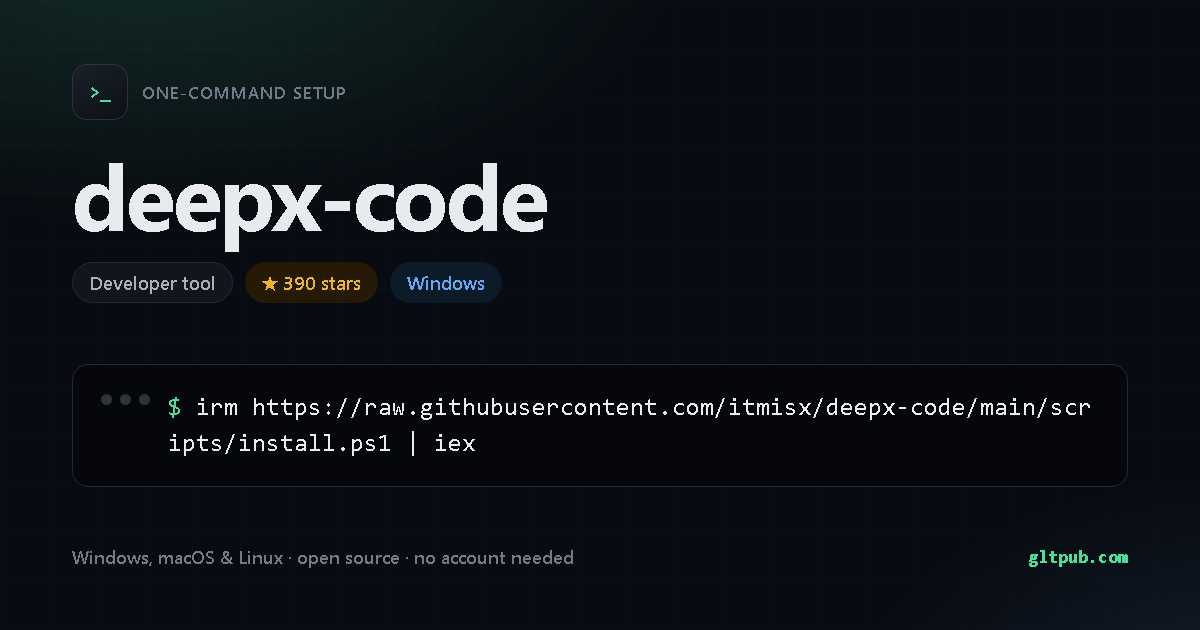
Get deepx-code with one command
Pick your system, reveal the step-by-step guide, copy the command, paste it into your terminal and press Enter. This command was taken from the project's own documentation and checked against it.
Not available for Windows yet.
deepx-code doesn't publish an install command for Windows anywhere we can verify, so there's nothing for us to show you. We won't invent one.
Pastes into PowerShell and installs deepx-code on your Windows machine in one step — no manual setup, no build tools. It fetches the project's own install script and runs it, which is the standard way these tools ship — worth a read if you like to know what's running.
Not available for macOS yet.
deepx-code doesn't publish an install command for macOS or Linux anywhere we can verify, so there's nothing for us to show you. We won't invent one. It does document one for Windows — switch to that tab.
Pastes into your terminal and installs deepx-code on your macOS or Linux machine in one step. Runs as your normal user account, and needs no administrator rights.
How to set up deepx-code, step by step
Open PowerShell — press Win, type PowerShell, and press Enter — then paste the command and press Enter.
Run deepx-code --help to see the available commands, and
deepx-code --version to confirm the install worked. If your shell complains about
permissions, that project usually documents a corrected command on its own site.
This asks PowerShell to download a small installer script from the project, then execute it in memory. Nothing is saved to disk. The script is the project's own, but it's worth reading it first — that's why there's a note above.
What deepx-code does
- MCP + Skill 生态 —— 原生 MCP;兼容 Claude 的 skill 目录,已有 skill 直接复用。
- Todo —— 多步、强顺序、强上下文的任务(如从零搭一个应用):模型用可见待办清单列出步骤、逐项勾选,自己一步步执行,给你实时进度。
- CreatePlan(Plan DAG) —— 当下这一轮里真正可并行、彼此独立的扇出任务:拆成 DAG,按依赖关系派并发子 agent,每个节点独立选 flash / pro,最后汇总。
- Workflow(可复用脚本) —— 把一套会重复跑的多 agent 流程固化成 JS 脚本( / / / ),存进 反复用。和上面两者的区别:Todo/Plan 是模型每轮临时规划;Workflow 是事先写定、可复用、可中断 resume 的固定流程。 自动生成, 运行。
- DeepSeek KV cache 友好:tools 数组不随模式 / 角色变化;system prompt gob 恢复时版本感知
- 单一 Go 二进制 —— 无 Node / Python 运行时, 一行装,macOS / Linux / Windows 全覆盖。
Summarised from deepx-code's own README.
About deepx-code
Open-source developer tool with a documented one-command setup.
| Category | Command-line tool |
|---|---|
| Install method | PowerShell one-liner (irm | iex) |
| Windows | documented install command available |
| macOS / Linux | no install command published |
| Price | Free and open source |
| Command verified | Yes — checked against the project README |
| Popularity | 390 stars on the project's public repository |
On mobile
deepx-code is a command-line tool, so there is no phone app for it — a phone has no shell to run it in. You'll need a desktop, or a remote shell into a machine that has one.
deepx-code is developed by its own authors. This page is an independent reference; we are not affiliated with or sponsored by the project. The command shown here was reproduced from the project's public documentation — always check the project's own documentation before running anything.