Get OpenBiliClaw on Windows, macOS or Linux Now!
本地私有、开源的自进化跨平台 AI 内容发现 Agent:先理解你,再主动从 B站、小红书、抖音、YouTube、X、知乎、Reddit、微博等平台与开放 Web 寻找内容。(支持 deepseek harness 插件) | Local-first open-source cross-platform AI content discovery agent: understands you, then proactively finds content across Bilibili, Xiaohongshu, Douyin, YouTube, X, Zhihu, Reddit, Weibo and the open web.(support deepseek harness plugin)
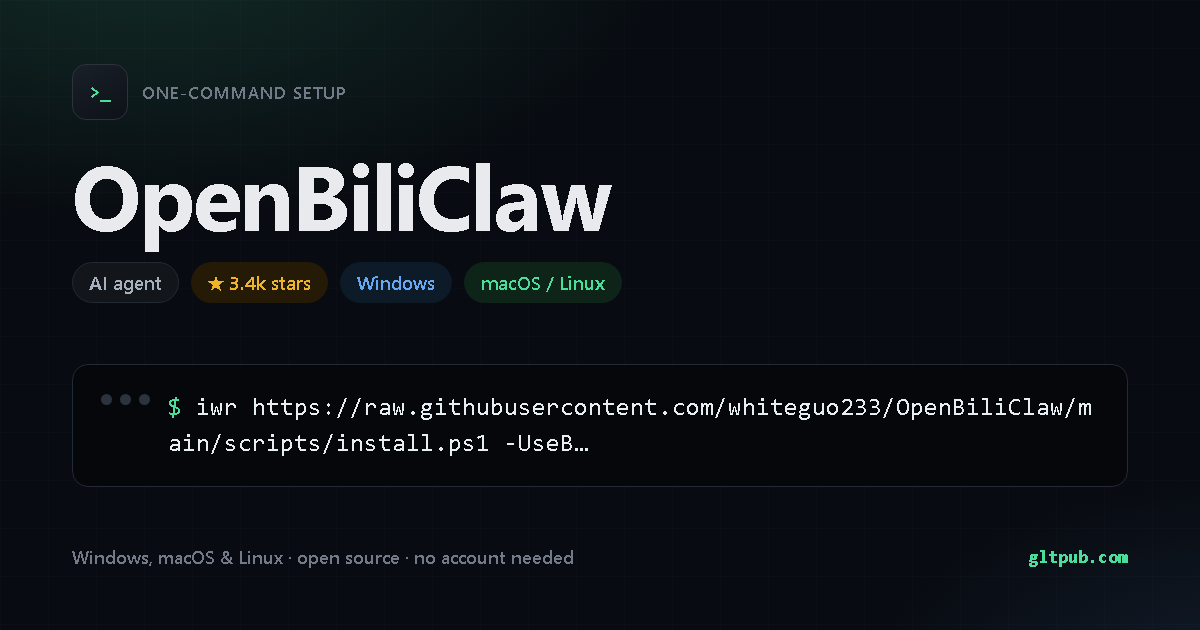
Get OpenBiliClaw with one command
Pick your system, reveal the step-by-step guide, copy the command, paste it into your terminal and press Enter. This command was taken from the project's own documentation and checked against it.
Not available for Windows yet.
OpenBiliClaw doesn't publish an install command for Windows anywhere we can verify, so there's nothing for us to show you. We won't invent one. It does document one for macOS and Linux — switch to that tab.
Pastes into PowerShell and installs OpenBiliClaw on your Windows machine in one step — no manual setup, no build tools. It fetches the project's own install script and runs it, which is the standard way these tools ship — worth a read if you like to know what's running.
Not available for macOS yet.
OpenBiliClaw doesn't publish an install command for macOS or Linux anywhere we can verify, so there's nothing for us to show you. We won't invent one. It does document one for Windows — switch to that tab.
Pastes into your terminal and installs OpenBiliClaw on your macOS or Linux machine in one step — no manual setup, no build tools. It fetches the project's own install script and runs it, which is the standard way these tools ship — worth a read if you like to know what's running.
How to set up OpenBiliClaw, step by step
On Windows, open PowerShell (press Win, type PowerShell, hit Enter) and paste the command. On macOS or Linux, open Terminal — on a Mac it's in Applications ▸ Utilities, or press Cmd+Space and type Terminal — and paste the command there.
Run OpenBiliClaw --help to see the available commands, and
OpenBiliClaw --version to confirm the install worked. If your shell complains about
permissions, that project usually documents a corrected command on its own site.
This asks PowerShell to download a small installer script from the project, then execute it in memory. Nothing is saved to disk. The script is the project's own, but it's worth reading it first — that's why there's a note above.
What OpenBiliClaw does
- Chrome / Edge / Brave 下载 ;Firefox 若 release 提供 就直接安装,否则下载 并按下方 临时加载;Safari(macOS)下载 ,打开后首次运行 App,再到 Safari 设置 扩展里勾选 OpenBiliClaw
- Chrome / Edge / Brave 将下载的 文件拖入页面安装;Firefox 的 可直接打开确认安装,临时 zip 需要先解压再加载
- Flutter 原生客户端 — 独立仓库 OpenBiliClaw-mobile,Android / iOS / Web / Linux / macOS / Windows 连接同一本地后端;B 站封面 CDN 直连省两跳
- Flutter 移动客户端 — 独立仓库的原生 App(Android / iOS / Web / 桌面)
- 感谢 @jiaobenhaimo 在 #53 贡献 Safari 扩展、稍后再看、YouTube 搬运检测、营销号过滤等功能设计与实现,其中 OR-join 去重修复和稍后再看功能已合入主线。
- 装插件 —— Chrome 应用商店一键安装(自动更新),或从 Latest Release 下载 zip 手动安装(最新功能先到,商店版可能滞后几天)。
Summarised from OpenBiliClaw's own README.
About OpenBiliClaw
本地私有、开源的自进化跨平台 AI 内容发现 Agent:先理解你,再主动从 B站、小红书、抖音、YouTube、X、知乎、Reddit、微博等平台与开放 Web 寻找内容。(支持 deepseek harness 插件) | Local-first open-source cross-platform AI content discovery agent: understands you, then proactively finds content across Bilibili, Xiaohongshu, Douyin, YouTube, X, Zhihu, Reddit, Weibo and the open web.(support deepseek harness plugin)
| Category | AI agent |
|---|---|
| Install method | PowerShell one-liner (irm | iex) |
| Windows | documented install command available |
| macOS / Linux | documented install command available |
| Price | Free and open source |
| Command verified | Yes — checked against the project README |
| Popularity | 3.4k stars on the project's public repository |
On mobile
OpenBiliClaw is a command-line tool, so there is no phone app for it — a phone has no shell to run it in. You'll need a desktop, or a remote shell into a machine that has one.
OpenBiliClaw is developed by its own authors. This page is an independent reference; we are not affiliated with or sponsored by the project. The command shown here was reproduced from the project's public documentation — always check the project's own documentation before running anything.