Get xiaobei on Windows Now!
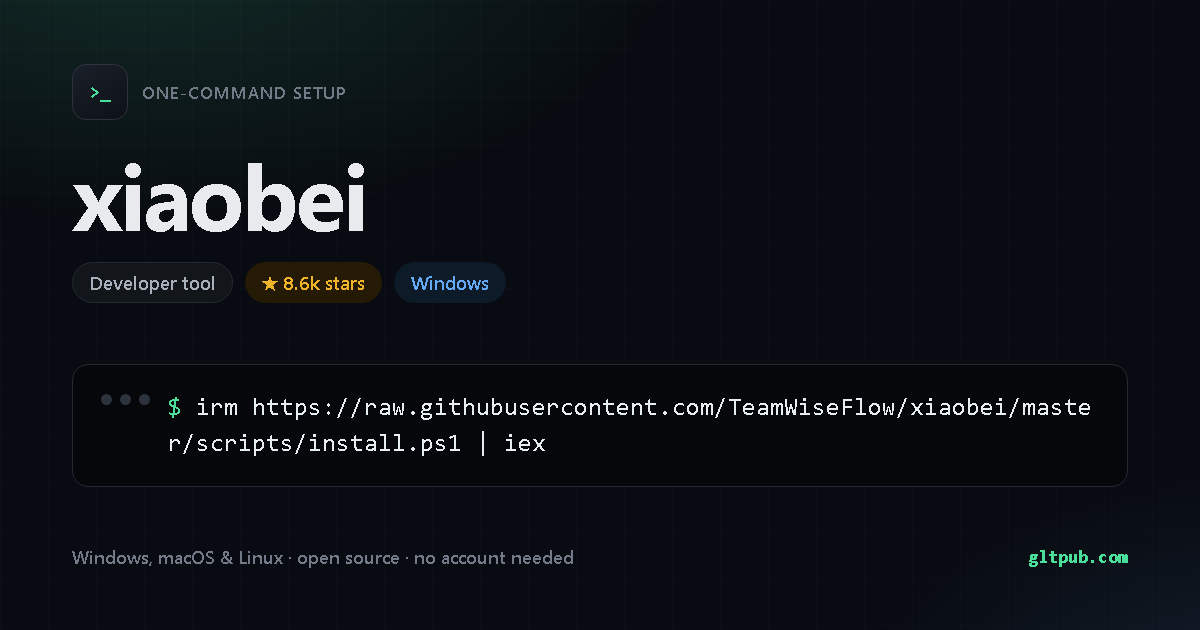
Get xiaobei with one command
Pick your system, reveal the step-by-step guide, copy the command, paste it into your terminal and press Enter. This command was taken from the project's own documentation and checked against it.
Not available for Windows yet.
xiaobei doesn't publish an install command for Windows anywhere we can verify, so there's nothing for us to show you. We won't invent one.
Pastes into PowerShell and installs xiaobei on your Windows machine in one step — no manual setup, no build tools. It fetches the project's own install script and runs it, which is the standard way these tools ship — worth a read if you like to know what's running.
Not available for macOS yet.
xiaobei doesn't publish an install command for macOS or Linux anywhere we can verify, so there's nothing for us to show you. We won't invent one. It does document one for Windows — switch to that tab.
Pastes into your terminal and installs xiaobei on your macOS or Linux machine in one step. Runs as your normal user account, and needs no administrator rights.
How to set up xiaobei, step by step
Open PowerShell — press Win, type PowerShell, and press Enter — then paste the command and press Enter.
Run xiaobei --help to see the available commands, and
xiaobei --version to confirm the install worked. If your shell complains about
permissions, that project usually documents a corrected command on its own site.
This asks PowerShell to download a small installer script from the project, then execute it in memory. Nothing is saved to disk. The script is the project's own, but it's worth reading it first — that's why there's a note above.
What xiaobei does
- AIGC 端点支持阿里云百炼 Agent Plan:现在无需去多个平台开通不同账号,最简只用初始安装时的百炼账号就可获得全部能力。
- VIP 微信交流群:问题讨论、产品反馈、技术沟通、专家 DNA 分享……
- Feedparser(Parse feeds in Python)
- Everything Claude Code(Claude Code 全局 skill / rule / agent 集合,wiseflow 的 complex-task 等编排 skill 借鉴了其 blueprint 和 gan-style-harness 的设计思路)
- AutoClip(AI 视频智能切片系统 — 技能的高光剪辑算法与工作流借鉴自此; 的 Stage 13b motion-audit 镜头抽帧打分思路亦借鉴其高光判定)
- HyperFrames(HeyGen 开源的 AI 视频生成编排框架 — 的脚本分镜渲染链式工作流与两道闸门审批节奏借鉴自此)
Summarised from xiaobei's own README.
About xiaobei
xiaobei is an open-source developer tool.
| Category | Developer tool |
|---|---|
| Install method | PowerShell one-liner (irm | iex) |
| Windows | documented install command available |
| macOS / Linux | no install command published |
| Price | Free and open source |
| Command verified | Yes — checked against the project README |
| Popularity | 8.6k stars on the project's public repository |
On mobile
xiaobei is a command-line tool, so there is no phone app for it — a phone has no shell to run it in. You'll need a desktop, or a remote shell into a machine that has one.
xiaobei is developed by its own authors. This page is an independent reference; we are not affiliated with or sponsored by the project. The command shown here was reproduced from the project's public documentation — always check the project's own documentation before running anything.